
Choose by input, upkeep and export needs
Pick by what you start from and how the video must leave the tool. Ngram documents demos from a recording or product URL with review and revisions, Clevera documents one recording feeding a video and article, and Trainn documents clip updates under a shared link. This is documentation only, with no hands-on results.
Choose by workflow
 Ngram
Consider it to steer a demo before it is final.
Start from uploaded screen recordings or a product URL, review the plan, then request revisions; Ngram notes generation and revisions may use credits. On the free plan you can share a public watch link, while downloading requires a paid plan. Fidelity is not measured here, so check every on-screen claim against your release notes.
 Clevera
Consider it when one recording should feed video and article.
Clevera's own release-note guide describes using a recording of the changed flow to produce both a release video and a supporting article. That is vendor guidance, not independent evidence of results. The free plan includes sharing by link and embed but no MP4 download; the paid Starter plan lists MP4 downloads. No price is quoted here because billing cadence matters. Confirm critical UI labels stay readable.
 Trainn
Consider it to keep a recurring demo under one link.
Trainn describes recording your screen, editing individual clips and updating the video under an existing shared link, which may matter if that link is already embedded in help content. The clip-update behavior is documented, not tested here. Download and export terms were not checked, so confirm them directly before relying on a file outside Trainn.
These are product-explanation workflows. General cinematic video generators and avatar-only presentations solve a different starting problem, so they are not mixed into this shortlist.
Vendor documentation only, checked 12 Nov 2026. Capabilities remain vendor claims, plans, credits and download terms can change, and Trainn's export terms are unverified. Cinematic generators and avatar-only tools solve a different starting problem and are left out.
Prepared comparison inputs
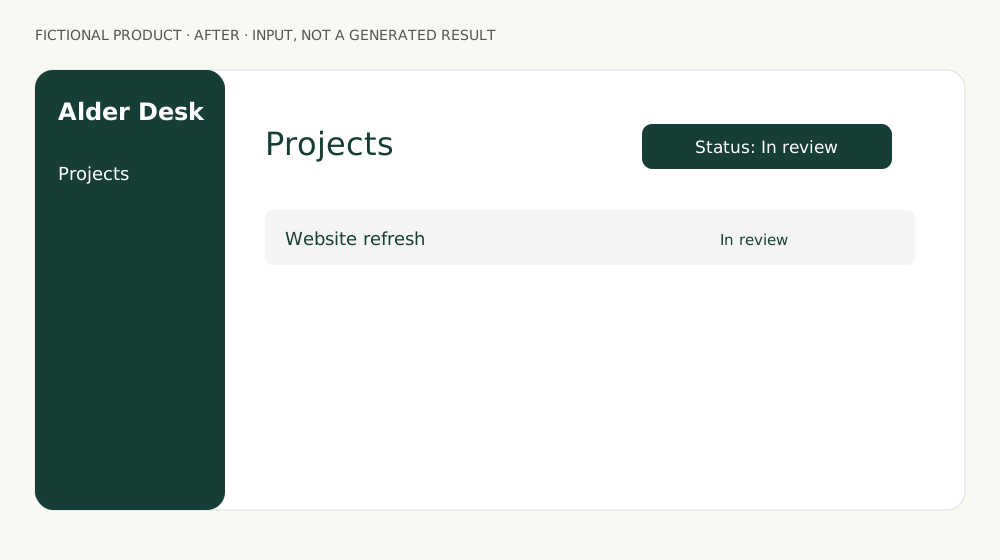
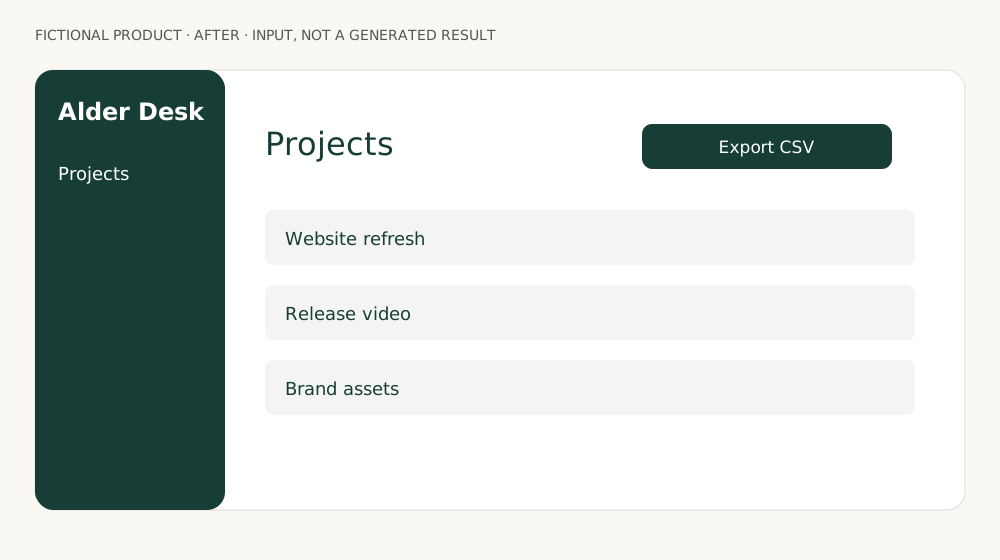
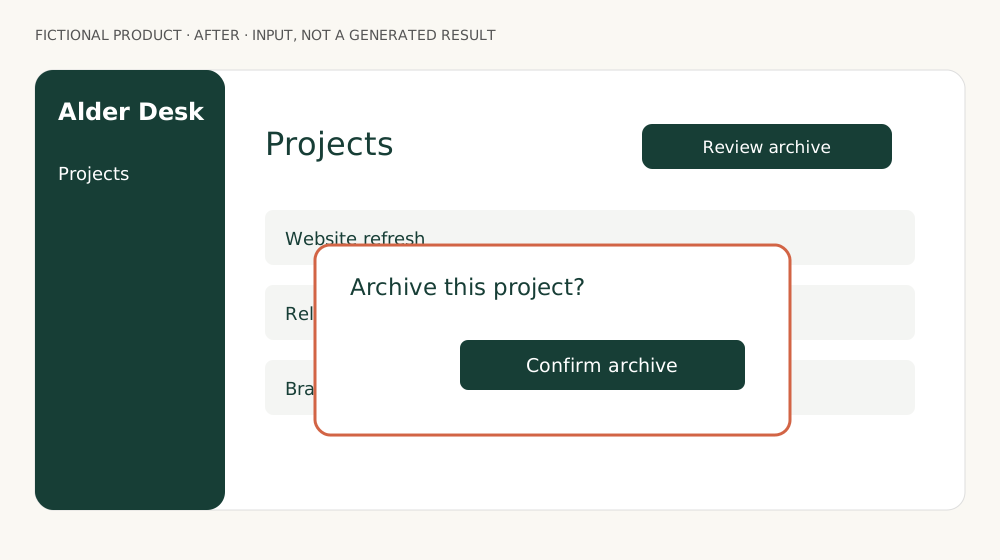
Three pairs of original fictional interface mockups (a filter, a button and a flow, before and after) and matching prompts, prepared for a future comparison. The protocol covers release-packet facts, invented controls and readable labels. These are inputs, not tool outputs or product recordings.
No completed tool runs, export files or performance scores are available for this comparison.
- State only facts contained in the release packet.
- Show the supplied interface without invented controls.
- Keep labels and captions readable at the intended size.
- Verify the share link and the actual downloadable file separately.
Read the first task brief
Create a 30-45 second English product update video for the fictional Alder Desk app.
Use product-filter-before.svg and product-filter-after.svg as the only interface references.
Fact packet: Show only In review projects. This filter is available now. Do not claim an automatic approval feature.
Audience: existing users. Show the changed workflow with legible interface labels, restrained motion, English captions, and no avatar. CTA: Try In review in Projects.
Do not invent screens, pricing, integrations, availability dates or performance claims.
Produce a 16:9 preview. Describe the actual download options separately.
Sources & editorial independence
Official pages checked on 12 November 2026. Product claims are attributed to their publishers; availability and plan terms can change.
- Ngram first-video guide ↗
- Ngram product demo workflow ↗
- Clevera release-note videos ↗
- Clevera pricing ↗
- Trainn release-note demos ↗
Our publisher has previously worked with Ngram on paid AI Hunter content. No placement was purchased for this Gen AI Tools guide, and it contains no affiliate links. Prior commercial relationships do not establish product performance.