
Match the tool to the change you need
Pick by the scope of the change. Logo Diffusion documents targeted edits to one named element, Canva documents SVG import and brand reuse, and Adobe Express documents refreshing the surrounding identity. This guide rests on vendor documentation checked 12 Nov 2026 and includes no hands-on results.
Choose by workflow
 Logo Diffusion
Consider it to change one named element of an existing logo.
Upload an existing logo to the Magic Editor and describe the one element to change. Preservation of the untouched parts is Logo Diffusion's claim and has not been tested here. The free plan gives watermarked 512px downloads with no commercial license; paid plans list PNG, layered SVG and commercial use. No plan was purchased for this guide.
 Canva
Consider it to place an SVG into layouts and reuse brand assets.
Canva documents importing SVG files through Uploads and then editing a design, which suits placing a refreshed mark into layouts. That does not establish AI-driven preservation or editable access to every path. Brand Kit, which stores JPG, PNG and SVG logos for reuse, is a paid feature; the restriction applies to Brand Kit, not to ordinary uploads. Check the export format of the chosen design.
 Adobe Express
Consider it when the refresh reaches typography, colors and graphics.
Adobe Express describes uploading an existing logo and customizing the surrounding typography, colors and graphics. Its documented brand extraction pulls colors, fonts and logos from a PDF or image for review and can update an existing brand. The feature rolls out gradually, so the experience may vary by account. Neither page promises precise symbol editing. Confirm the final export format in the editor.
Design.com remains a candidate for new-logo creation. Its reviewed generator page does not establish the same imported-logo workflow, so it is not ranked against the three paths above.
Vendor documentation only, checked 12 Nov 2026. Preservation remains a vendor claim, and plans, rollouts and export terms can change. Design.com is not compared because its reviewed page does not establish an imported-logo workflow.
Prepared comparison inputs
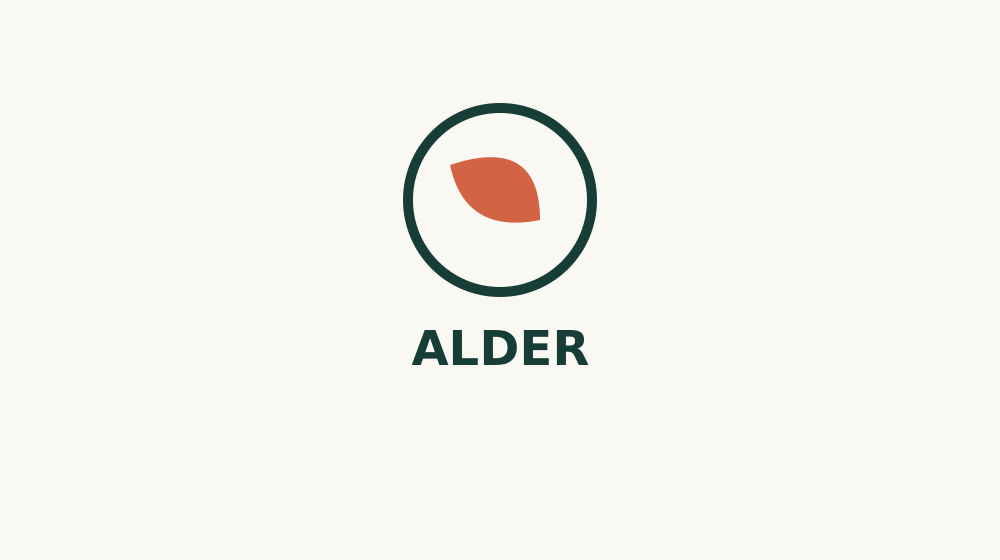
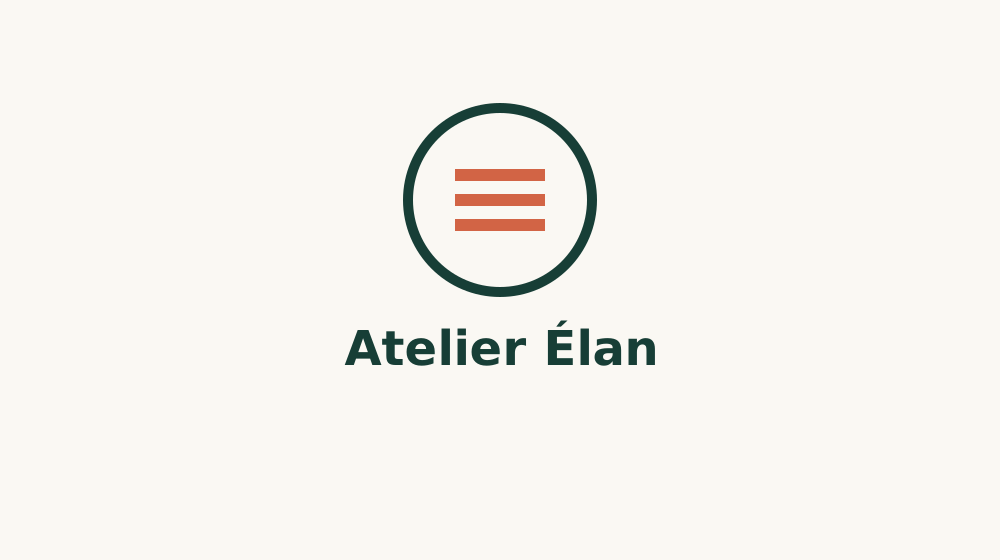
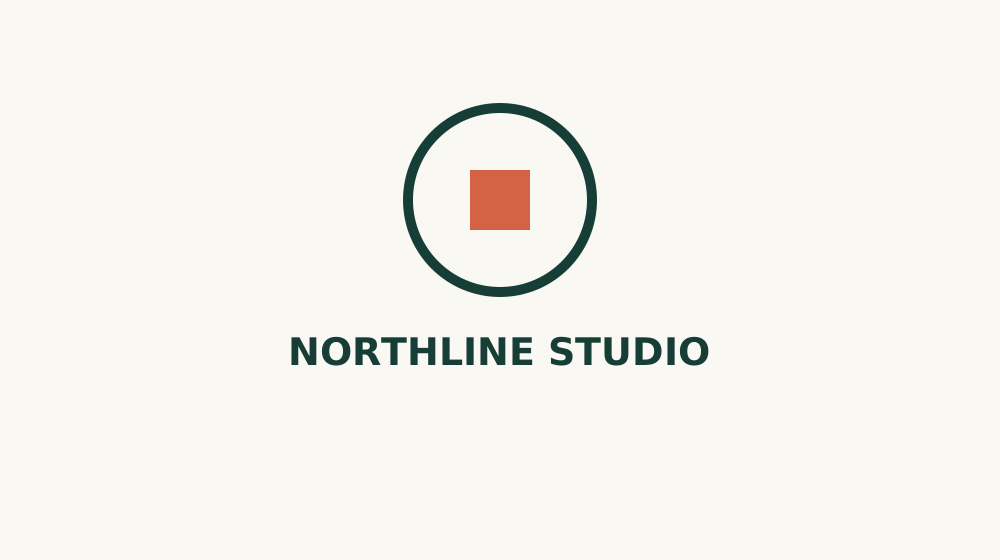
Three original fictional logos and matching prompts, prepared for a future comparison. Each prompt asks for one symbol change while keeping the exact name, ring and two colors, and the protocol inspects the actual downloaded file. These are inputs, not tool outputs or product recordings.
No completed tool runs, export files or performance scores are available for this comparison.
- Preserve the exact name, including accented characters.
- Keep the enclosing ring and the two specified colors.
- Change only the requested symbol.
- Open the actual downloaded file and inspect its contents.
Read the first task brief
INPUT: logo-alder.svg
TASK: Replace the leaf with a single solid circle. Keep the name, its position, the enclosing ring and both colors unchanged.
COLORS: #173e36 and #d26445. White or transparent background.
Do not add a slogan, mockup, texture or shadow. Produce the edited logo only.
Return the available editable vector and transparent raster exports. Do not claim an export exists unless it is downloadable.
Sources & editorial independence
Official pages checked on 12 November 2026. Product claims are attributed to their publishers; availability and plan terms can change.
- Logo Diffusion Magic Editor ↗
- Logo Diffusion plans and usage rights ↗
- Canva SVG editor ↗
- Canva brand logos ↗
- Adobe Express brand extraction ↗
- Adobe Express logo redesign workflow ↗
- Design.com AI logo generator ↗
Our publisher has previously worked with Logo Diffusion on paid AI Hunter content. No placement was purchased for this Gen AI Tools guide, and it contains no affiliate links. Prior commercial relationships do not establish product performance.